











Your personal account at Wasafi Bet gives you access to sports betting, live events, and account management tools. Logging in lets you view your balance, betting history, available deposit and withdrawal options, and profile settings. If you already have an account, signing in normally takes only a few moments. New players must complete registration before their first login.
This guide explains how to access your account through the website or mobile app. It also covers registration, password recovery, common access errors, and practical steps for keeping login details private.
How to Log In to Wasafi Bet
Open the official website on your phone or computer and find the login button in the page header. Select it to open the login form. Enter the phone number registered to your account, then type your password exactly as you created it. Check the letter case and make sure there are no accidental spaces.
After entering both details, press the confirmation button. Correct credentials should take you to the account dashboard, where you can review your profile and account activity. If the page does not respond, refresh it once and check the internet connection before submitting the form repeatedly.
Verify that you are using the genuine website before entering any credentials. Avoid signing in on public computers, and do not save the password in a browser that other people can access. When using a shared device, log out fully when you finish.
Register a New Account
Registration is intended for players aged 18+ who are located in Tanzania. You need a valid phone number that can receive SMS messages. Begin from the registration option on the homepage and provide the information requested in the registration form, which may include your phone number, a password, and confirmation of your age and location.
Choose a password that is difficult to guess and does not contain your name, birthdate, or a simple number sequence. After submitting the form, you may be asked to enter a confirmation code sent by SMS. Complete that verification carefully because an incorrect or expired code can prevent activation.
Once registration is confirmed, use the same phone number and password for your first login. Check your profile details before using the account and keep your phone available in case a later security or recovery step requires access to the registered number. Do not create multiple accounts if the service rules restrict one account per person.
Wasafi Bet Login via Mobile App
The mobile app follows the same basic sign-in process as the website. Open it, choose the login option, and enter the phone number and password connected to your existing account. There is no need to create a separate account for the phone if you already registered on the website.
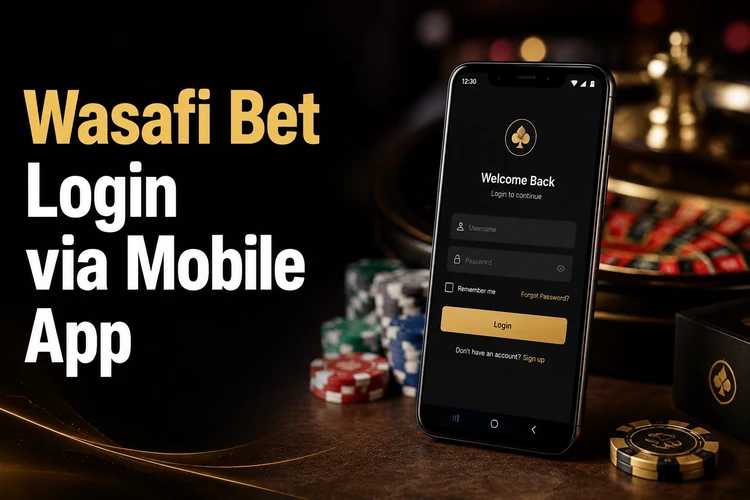
If you install the mobile app, use the official download information and check that your phone has enough storage. A stable connection is useful during sign-in and while account data is loading. Your balance and betting history should be associated with the same account across supported devices, but always confirm that you are viewing the correct profile.
Download and Install the App
The Android app can be downloaded from the official website if an APK is provided there. Do not rely on files shared through unknown websites, social media messages, or unofficial download pages. Before opening an APK, check its source and make sure the file came from the service's official channel.
Android may require permission to install an application obtained outside the Google Play Store. This setting is usually found in the phone's security or app-installation controls. Enable it only when necessary, install the file, and review the permission requests. If an app asks for access that is not needed for its stated purpose, stop and check the source before continuing.
After installation, launch the app and enter your existing credentials. Keep the application updated when an official update is available, since an older version may stop working correctly after a platform change. Remove any downloaded installation file you no longer need.
Recover Your Password
If you cannot remember your password, select the exact "Forgot password?" option on the login form. Enter the registered phone number and follow the recovery instructions sent by SMS, if that option is available for your account.
Create a new password that is different from the old one and from passwords used on other services. Store it in a trusted password manager or another private location. If the SMS does not arrive, confirm the phone number, check signal strength, wait briefly, and avoid requesting codes repeatedly because this can create additional delays.
Contact customer support if recovery still fails or if you no longer control the registered phone number. Support may need to verify account ownership before changing access details. Never send your password or an SMS code to another person.
Common Login Problems and Solutions
A wrong-password message is often caused by a typing error, an unnoticed change, or the wrong keyboard setting. Re-enter the password slowly and check Caps Lock. If you recently reset it, use the new password rather than an older one.
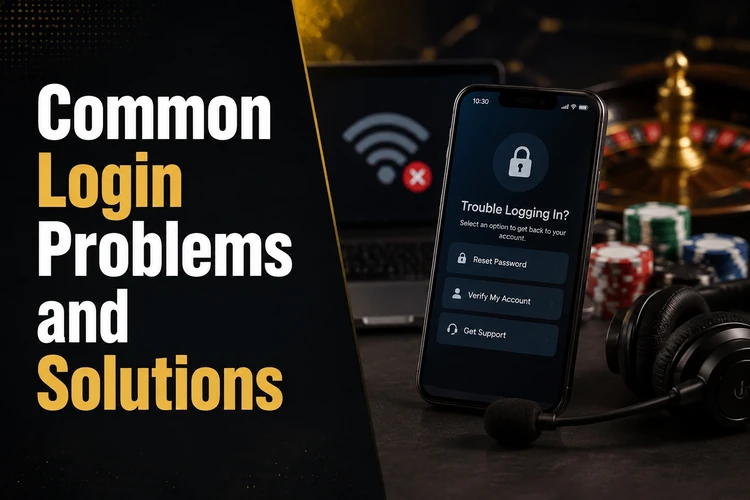
If the phone number is rejected, check that it is the number used during registration and that it has been entered in the expected format. A number already connected to another account may also prevent registration. For a missing verification SMS, check signal, restart the phone if needed, and request a new code after a reasonable wait.
Slow or failed login attempts can result from a weak connection, an outdated app, or temporary maintenance. Try switching between mobile data and a trusted Wi-Fi connection, close and reopen the app, or use the website to determine whether the issue is limited to one device. Avoid repeated submissions if the service displays an error or maintenance notice.
When an app continues to fail, check for an official update and ensure the phone has sufficient storage. Reinstalling may remove local app data, so make sure you know your login credentials first. If the website and app both remain inaccessible, record the error message and contact support without sharing sensitive credentials.
Security Tips
Use a unique password for your betting account and do not share it with friends, relatives, or anyone promising special betting information. Genuine support representatives should not need your password. Treat unexpected messages requesting an SMS code, payment information, or login details as suspicious.
Access the account through the official website or app and inspect the address before signing in. Avoid links in unsolicited messages. A secure private connection is preferable to open public Wi-Fi, particularly when entering account or payment information.
Log out after using another person's phone or computer and remove any saved credentials from that device. Review account activity regularly and change the password if you suspect that someone else has accessed it. Follow the site's responsible gambling guidance and use account controls carefully rather than chasing losses.
FAQ
Open the official website, select the login option, and enter the phone number registered to your account and your password. Confirm the details to open the account dashboard.
Yes. The mobile app uses the credentials for your existing account. Open the app, choose login, and enter the registered phone number and password.
Start from the registration option on the official website, provide the requested phone number and account details, create a strong password, and complete any SMS verification.
Use the app information or download option provided through the official website. Avoid APK files from unknown websites or messages, and review the requested permissions before installation.
Select "Forgot password?" on the login form and follow the instructions for the registered phone number. If the recovery message does not arrive, check the number and phone signal before contacting support.
Common causes include an incorrect password or phone number, a weak internet connection, an outdated app, or temporary maintenance. Check the details, try a trusted connection, and contact support if the issue continues.